





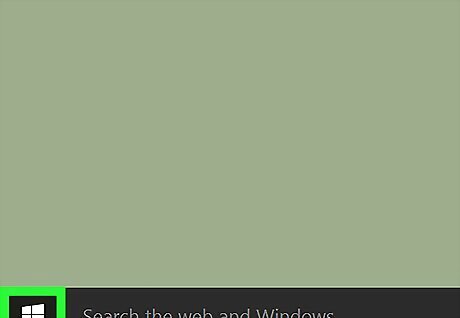
Click the Windows Start menu. It's usually at the bottom-left corner of the screen.
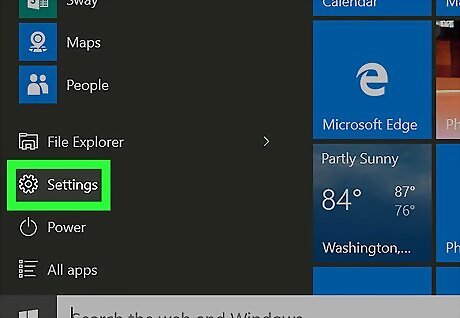
Click Windows Settings Settings.
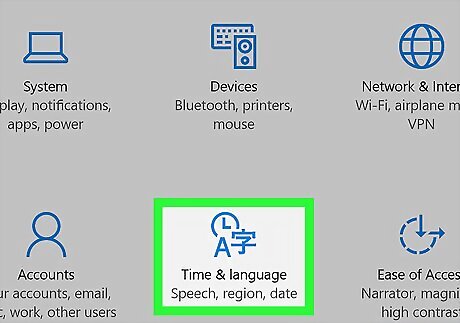
Click Time & language.
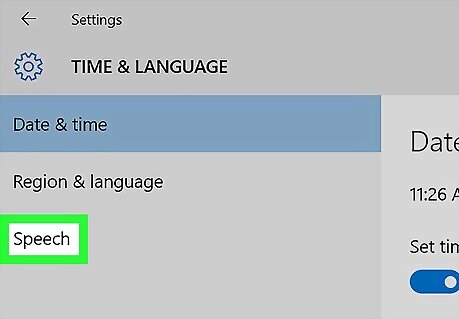
Click Speech. It's at the bottom of the left column. A pop-up will appear, asking you to set up your microphone.
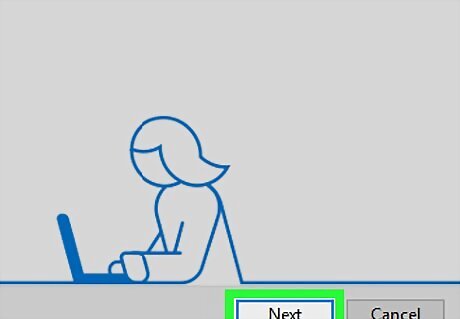
Click Next. Now you'll see a message that you'll be asked to repeat a phrase. If you see a message warning you that your microphone may not work with Cortana, click Next.
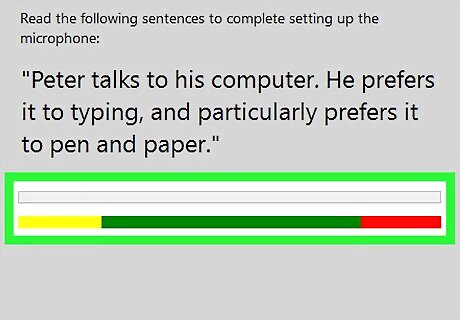
Click Next. A phrase will appear on the screen, along with a colorful sound meter.
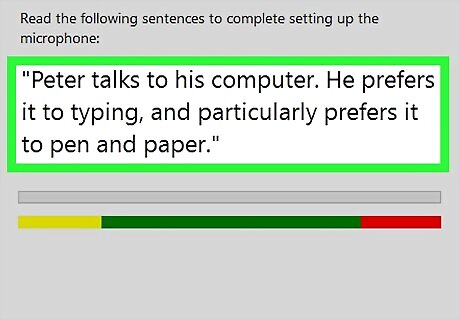
Read the phrase aloud. Stop speaking once you've reached the end of the phrase.
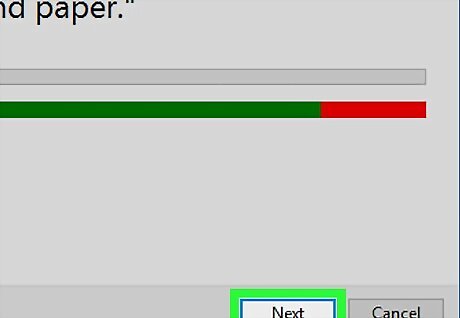
Click Next. As long as your microphone is set up correctly, you'll see a confirmation message letting you know it is ready for use.
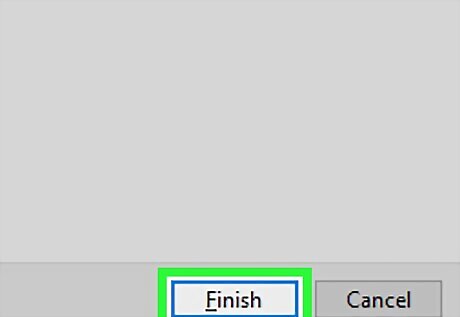
Click Finish. The window will now close.







Comments
0 comment