




This wikiHow teaches you how to drop and then remove a Google Maps pin when you’re using a computer.
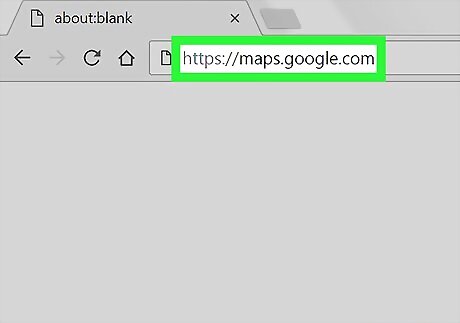
Open Google Maps on your computer. Open any web browser, such as Safari or Firefox, and navigate to https://maps.google.com.
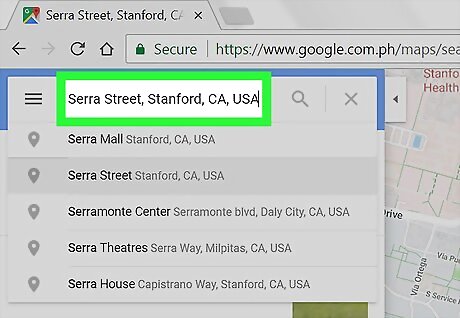
Search for a location to pin. Type an address or location name into the search bar to open a list of suggestions, then click the one that matches what you’re looking for.
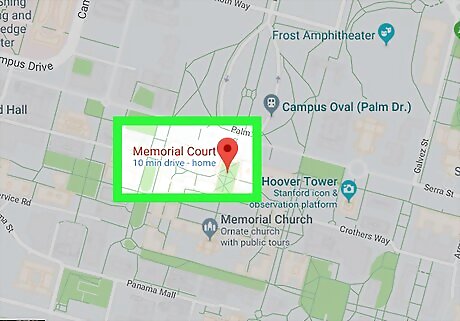
Click the location you want to pin. A red pushpin icon will appear at that location.
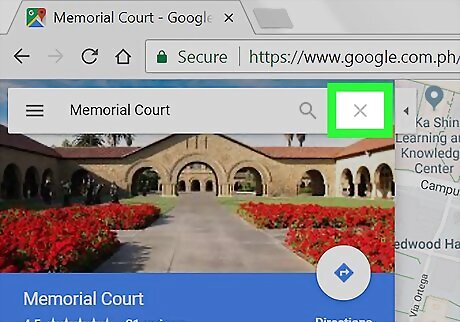
Click X next to the search box. It’s at the top of the left column. This deletes the location you searched for, which also deletes the pushpin icon.











Comments
0 comment