



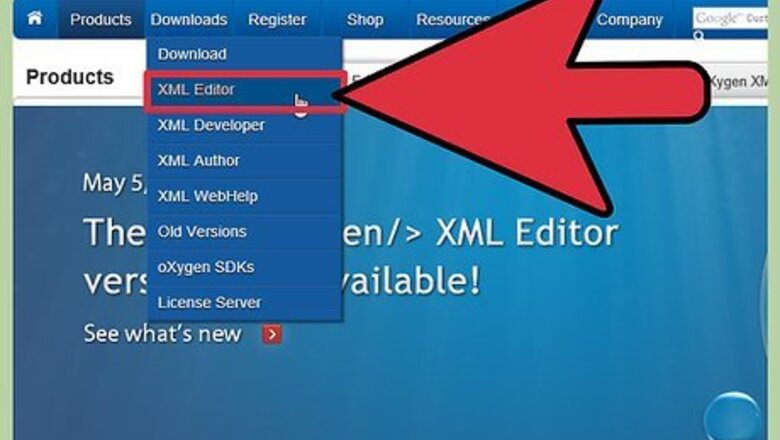

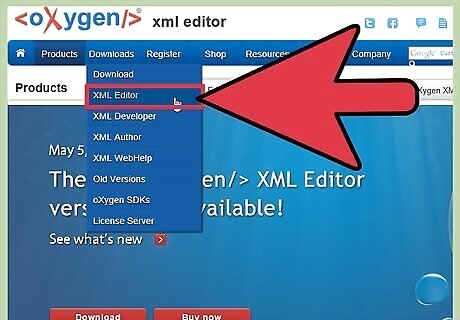
Purchase an XML editing software program that allows you to create XML schemas, if you do not already have such software.
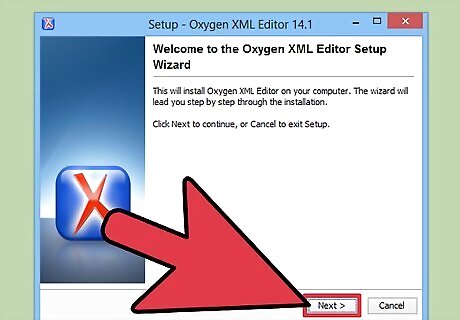
Install the software on your computer and restart, if necessary.
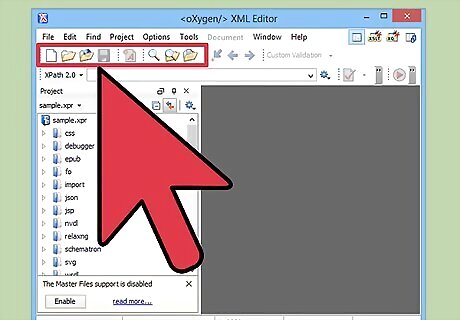
Familiarize yourself with your XML editor's workspace, as well as with user resources that are available.
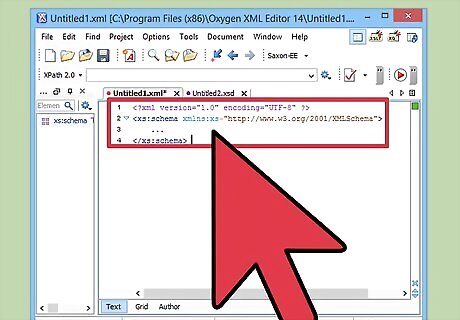
Create elements for your XML Schema. Your schema must include the schema element as its root element. This element may also contain attributes. Elements must include a start and end tag and may include other elements, text, attributes or any combination of these. The names of your XML elements must not start with a number or special character and cannot start with "xml." Ensure all elements are properly nested. Use short, descriptive names for your elements.
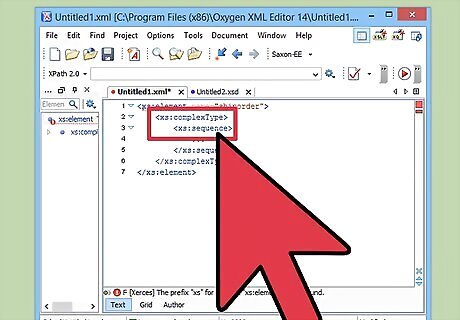
Define which XML Schema elements are child elements.
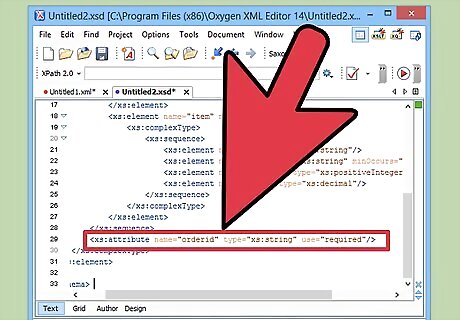
Create your XML Schema attributes. Attributes provide additional information about the elements contained within your XML document. Attributes must appear within quotes. Attributes can contain only one value. Do not include tree structures in your attributes.
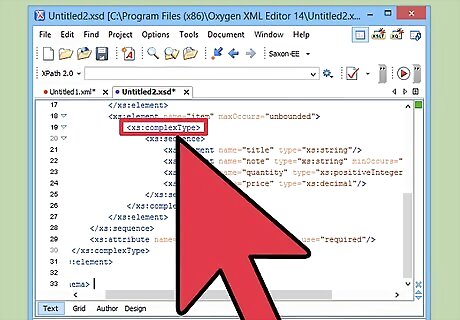
Create your XML Schema types to define the content of your elements and attributes.
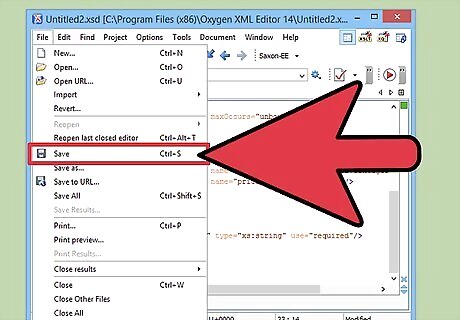
Save your work.
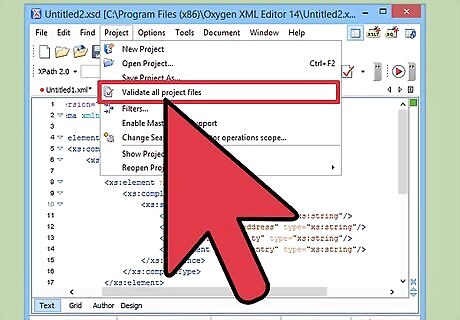
Check your XML Schema to be sure XML elements and XML attributes are properly named and that there are no other errors.
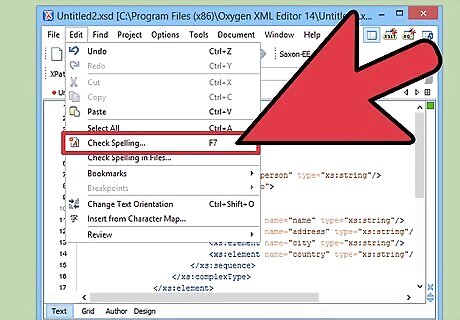
Correct any errors you identify.
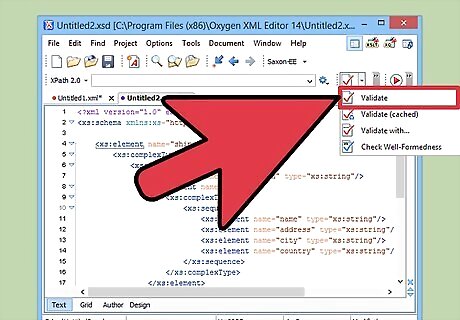
Validate your XML Schema using your XML editor's validation tool.
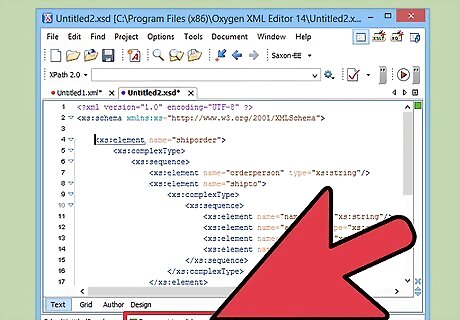
Correct any errors identified during validation.
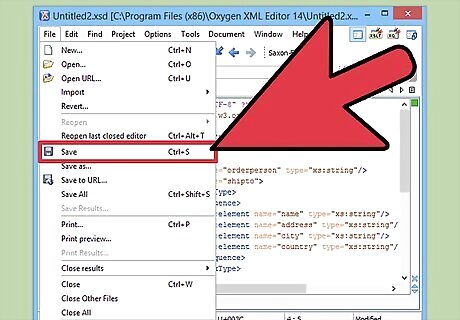
Save your work.
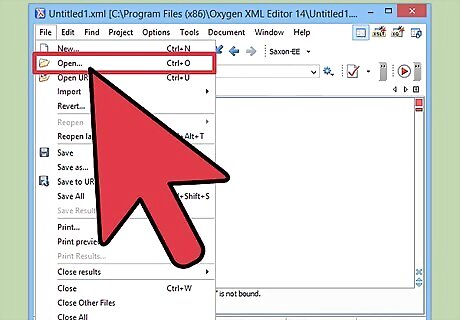
Open the XML file or files for which you have created the XML Schema.
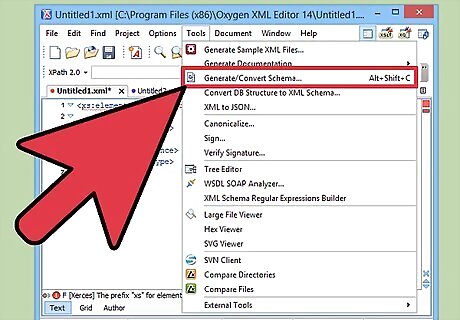
Include a reference to your XML Schema within your XML file or files.
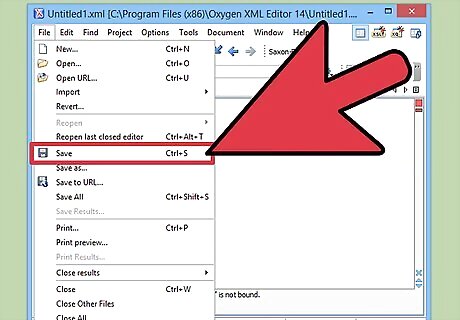
Save your XML file.












Comments
0 comment